
Viewing Security · private homeowners
Your Home. Your Safety. Every Viewing Verified.
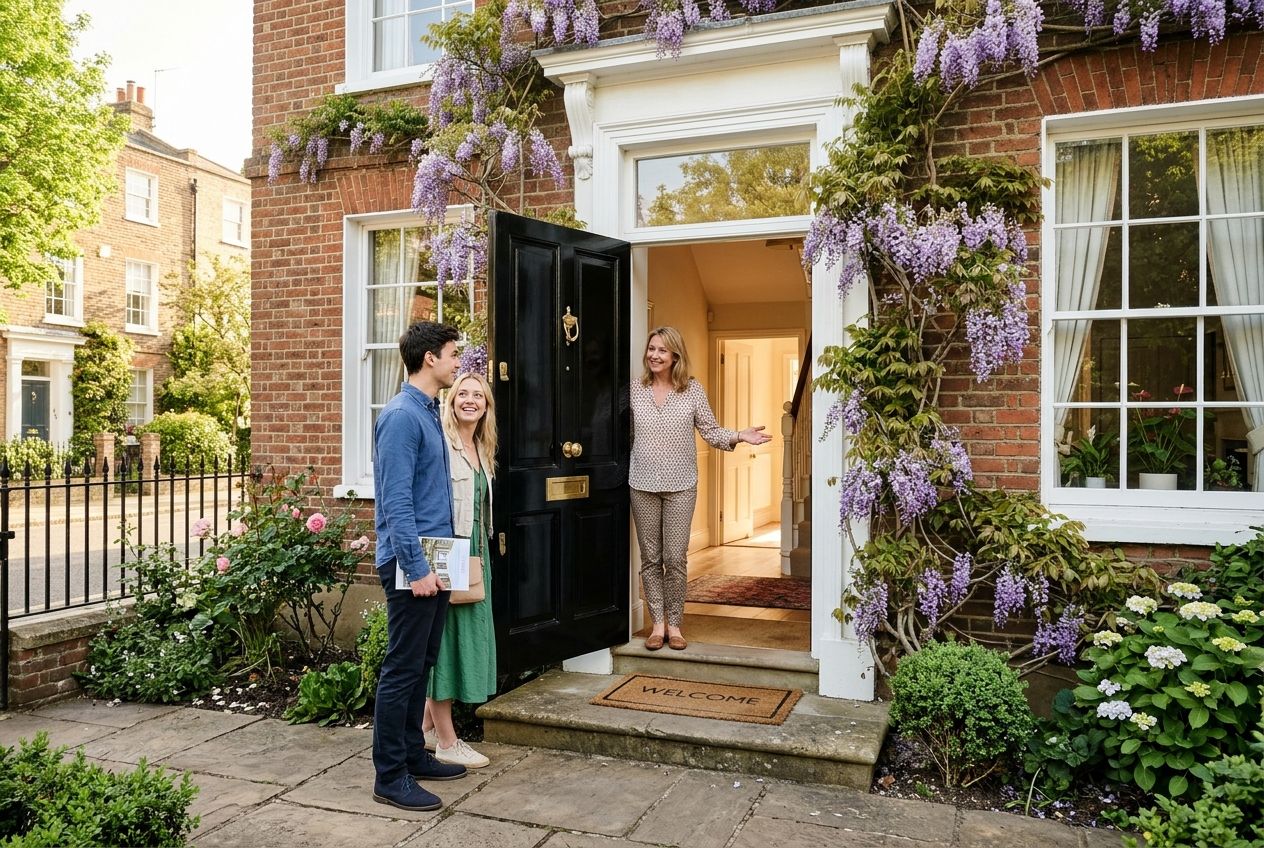
SwapAnyHome is a private homeowner-to-buyer marketplace, with no estate agents. So before anyone steps inside your home, we verify who they are: an ID-checked buyer, a confirmed appointment, a one-time QR code you scan at the door, and their original photo ID.
Test mode: card checks use Stripe test cards
The five-step viewing security procedure
1
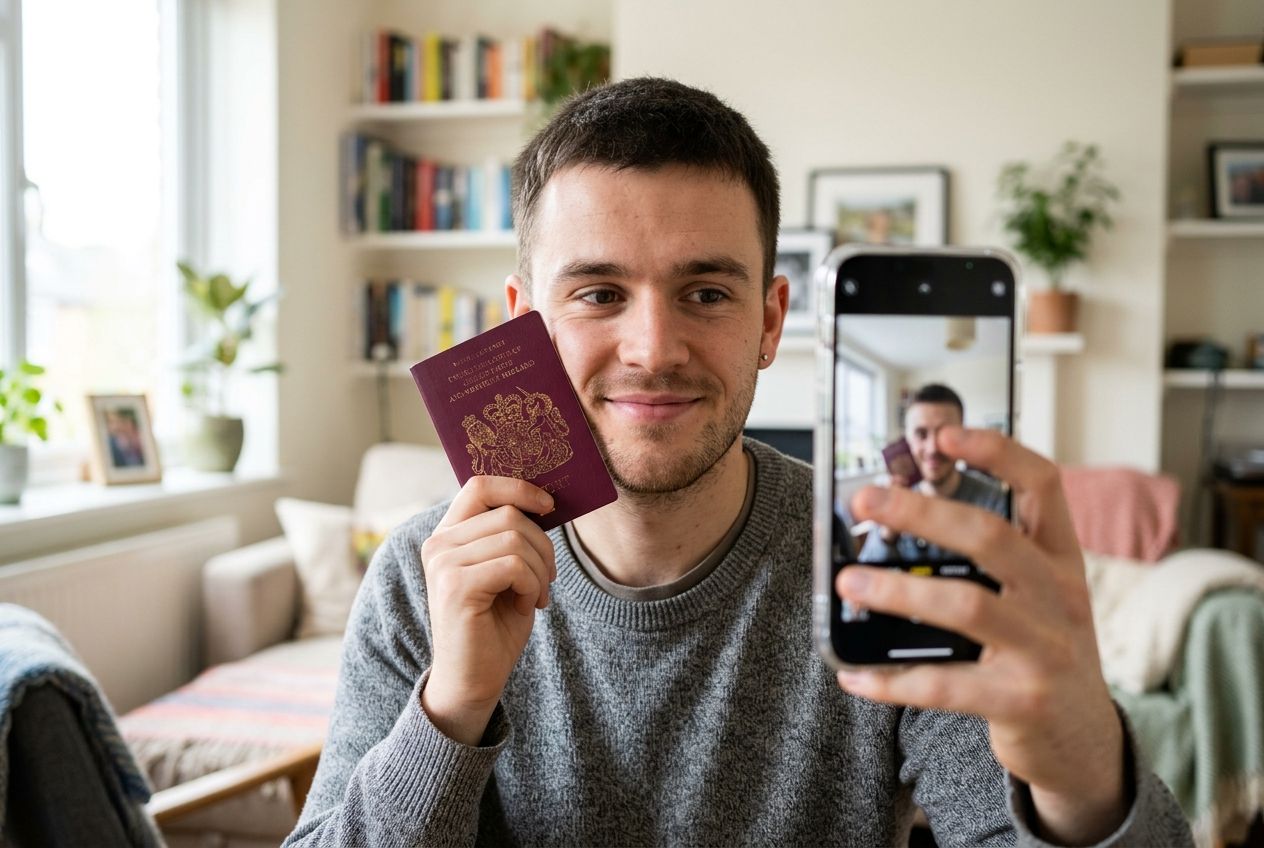
Step 1 — Verified Buyer
Before requesting a viewing, the buyer verifies their email and mobile number, then confirms their full legal name against a payment card in their own name through Stripe. Their bank must also confirm the billing postcode. Nothing is charged, and SwapAnyHome never sees the full card number.
2
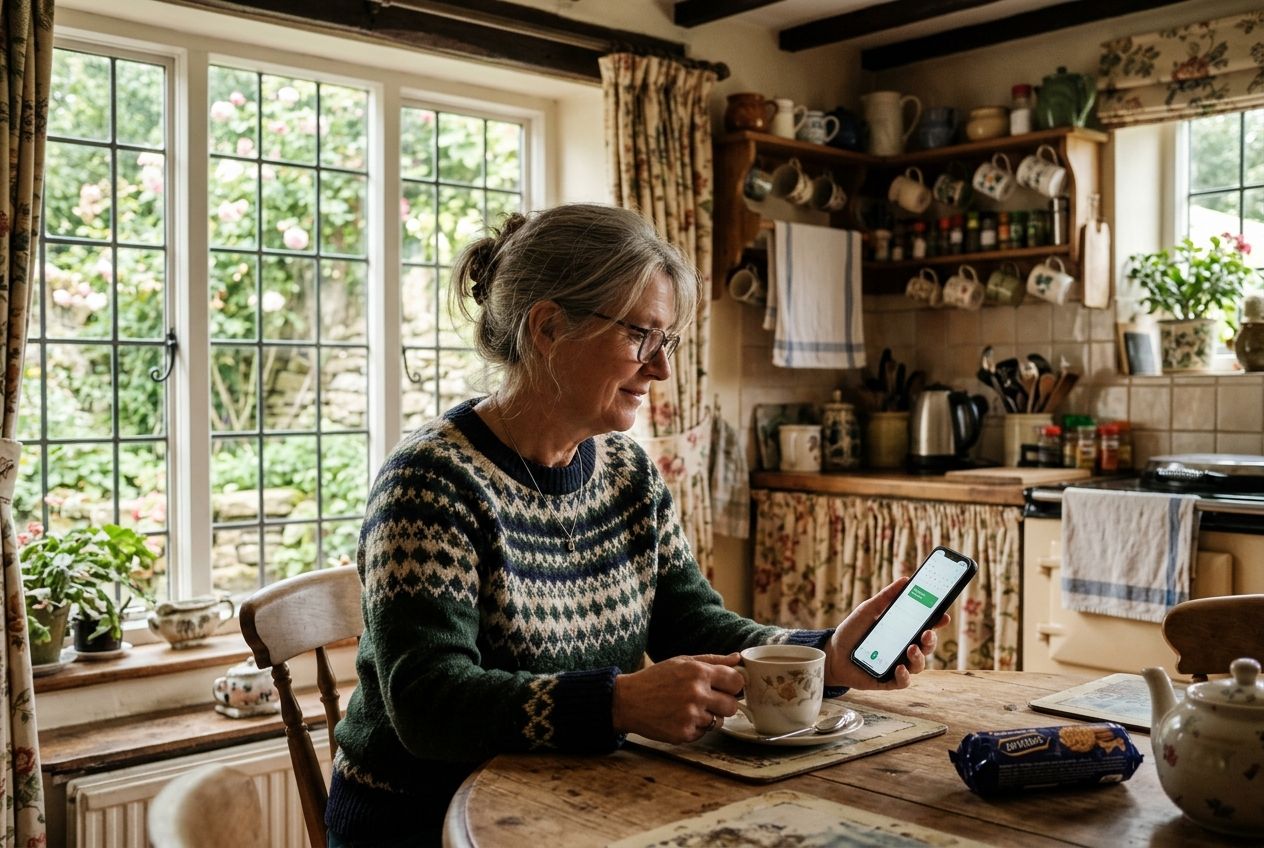
Step 2 — Viewing Appointment
The buyer requests a viewing through SwapAnyHome's private messaging. You choose whether to accept the date and time. Only verified buyers with an active Cash Buyer membership or paid listing can ask.
3
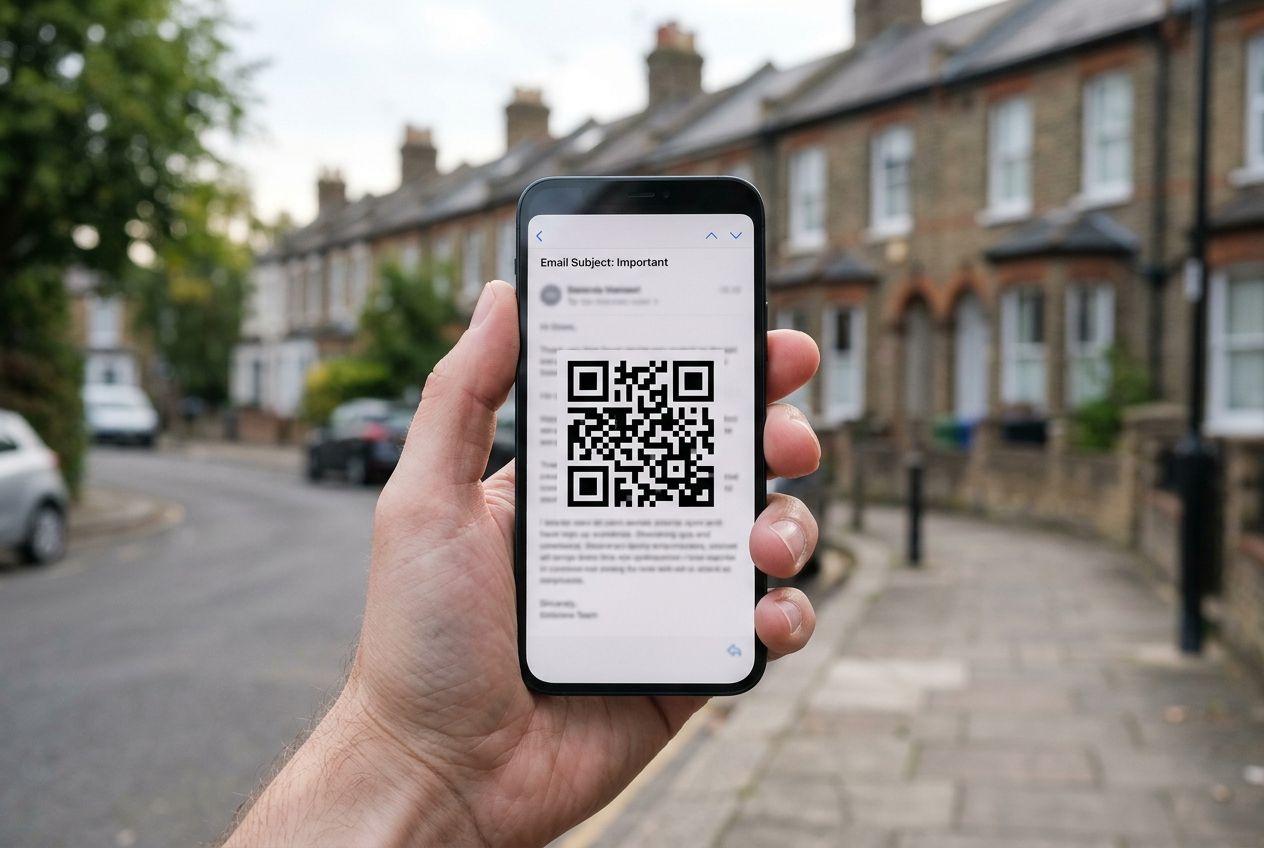
Step 3 — QR Code by Email
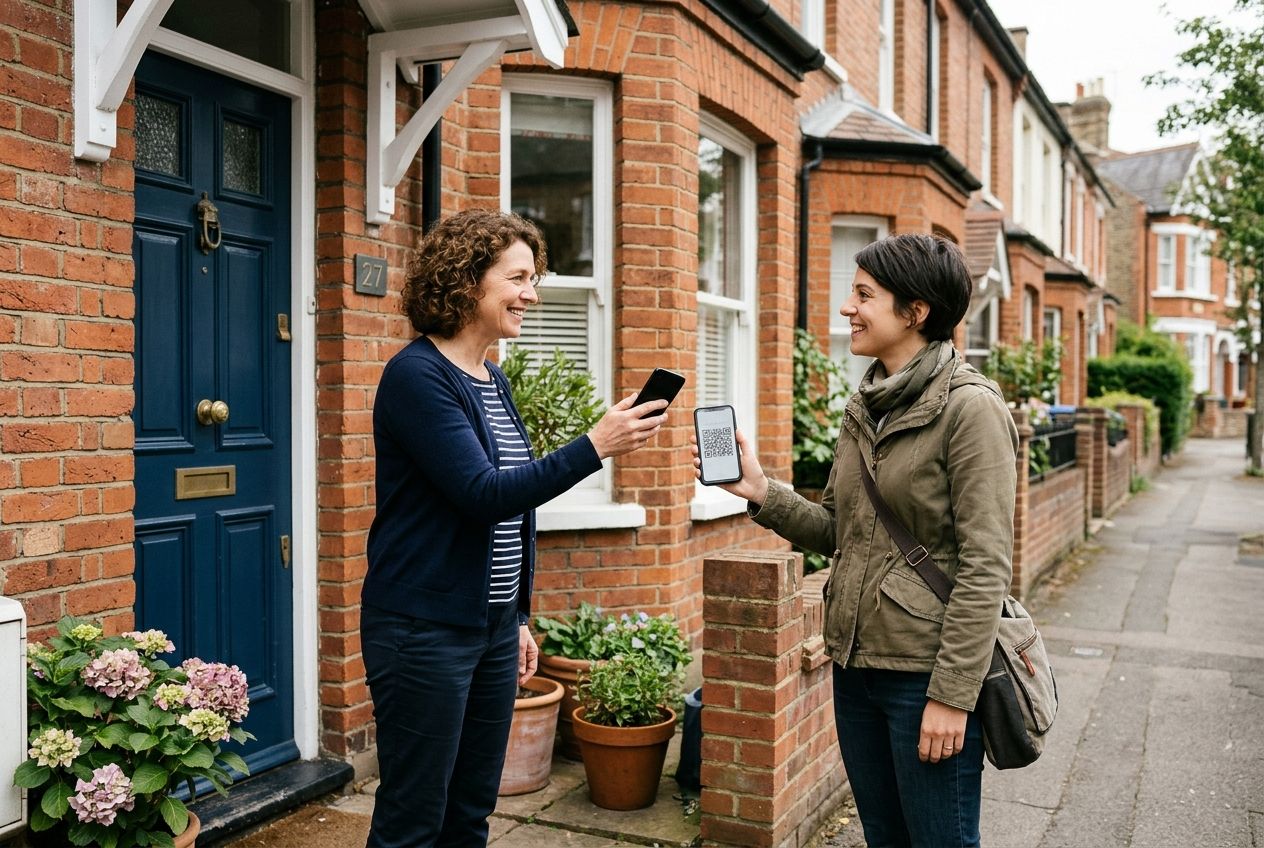
On the morning of the viewing, the buyer automatically receives an email with a unique, securely signed QR code linked to their verified identity, your property and that appointment. It expires after the viewing window and stops working if the appointment is cancelled.
4
Step 4 — Homeowner Scans QR Code
When they arrive, open SwapAnyHome, tap “Verify Viewing” and scan the code with your phone camera. You'll see their verified full name, the viewing reference, date and time, and a green “VERIFIED BUYER — VIEWING AUTHORISED”. A red “VERIFICATION FAILED — DO NOT ALLOW ENTRY” means don't let them in.
5
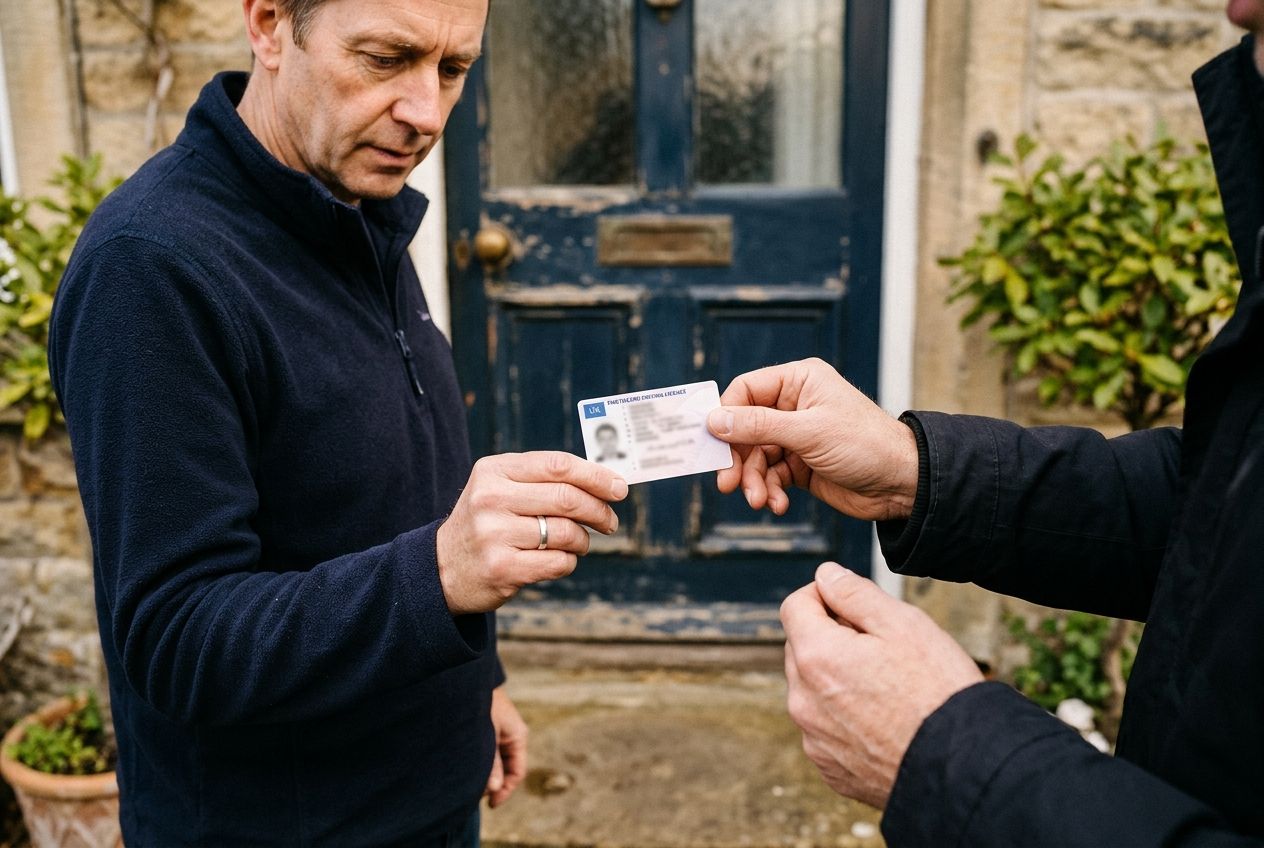
Step 5 — Government Photo ID
The buyer also shows their original passport or photocard driving licence. Check the photo and name against the verified details on your screen. Only when both checks pass should the viewing go ahead. Never photograph or keep their ID.
30-second film
Safer viewings, in 30 seconds
See how verification, the viewing-day QR code and photo ID work together at your front door. Tap play for sound; subtitles are included.
Read the video transcript
At SwapAnyHome, your safety comes first.
Every viewing buyer must verify their identity.
On viewing day, a secure QR code arrives by email.
The homeowner scans the code to confirm the authorised visitor.
A matching photo ID provides an additional security check.
SwapAnyHome. Safer viewings. Greater peace of mind.
Your Property. Your Security.
Every viewing on SwapAnyHome is arranged directly between you and a verified buyer. These simple habits keep you in control.
Check both, every time
A green QR result and matching original photo ID. If either fails, don't open the door to them.
Never admit unexpected visitors
Only the person on a confirmed SwapAnyHome appointment, at the agreed time. Anyone else can arrange a viewing properly.
Have another adult present
Where you can, have a friend or family member at home during the viewing, and keep valuables and documents out of sight.
Report anything suspicious
Use “Report security concern” below. If you feel in danger, call 999 first.
Something didn't feel right — a failed code, a mismatched ID or an unexpected caller? Tell our safety team.
These checks reduce risk but can't guarantee safety. Identity information is handled under UK GDPR: we store verification results and references only — never images of your visitor's ID — and door-check records are deleted after 90 days.